Guide
Split-screen background videos without the copyright headaches
You've seen them everywhere: a story, a podcast or a reaction on top, and something satisfying playing underneath. That bottom half is there for one reason: it keeps people watching. Most creators fill it with the same Minecraft parkour or Subway Surfers clips. Here's why that's risky, and how to make your own original background clips instead.
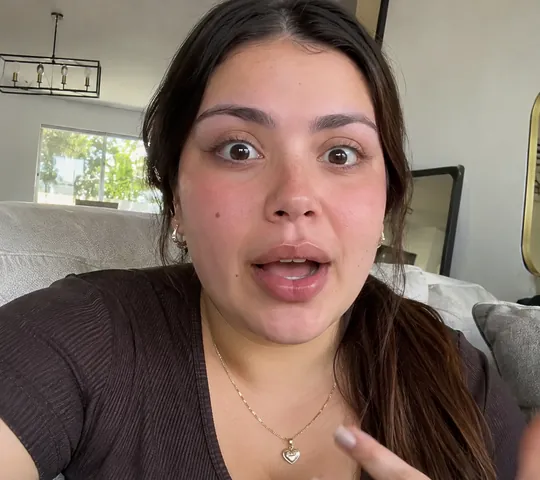
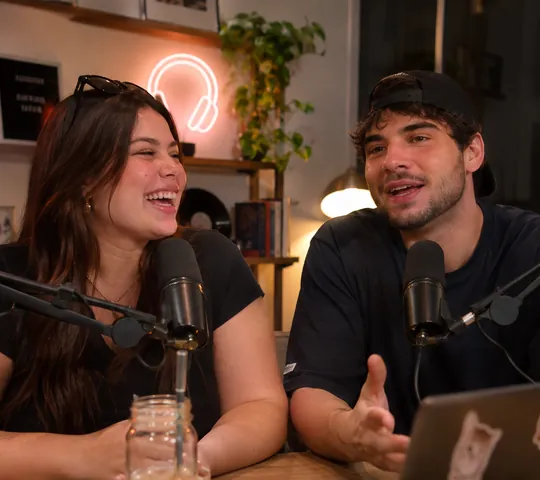
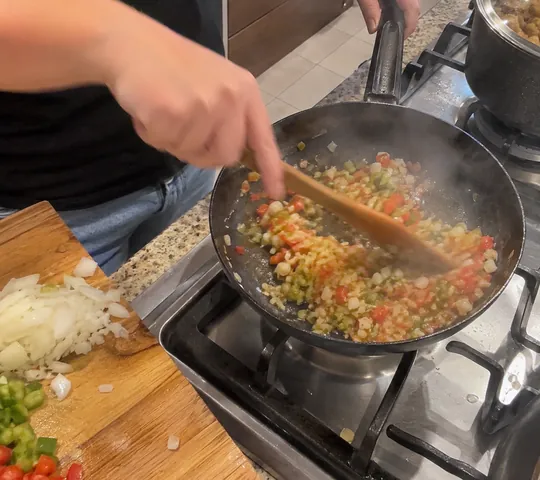
Split-screen videos with one of our clips in the bottom half.
Why split-screen videos work
Split-screen videos put your main content in the top half and a moving, satisfying clip in the bottom half. The bottom clip gives the eyes something to follow, so people stay on your video longer, even when the top is a slow story or someone talking.
Longer watch time is exactly what TikTok, Instagram and YouTube reward, which is why the format is everywhere. The bottom clip doesn't need to make sense with the top: it just needs to be calm, continuous and satisfying to watch.
The problem with gameplay footage
Most split-screen videos use the same few gameplay clips downloaded from YouTube. That causes three problems:
It's someone else's footage
Game footage and especially game music belong to the game's makers. Automated systems like YouTube's Content ID can flag a video for the music alone, even a few seconds of it.
Platforms dislike reused content
TikTok, YouTube and Instagram reward original content. Videos built on clips copied from others with few changes can be pushed down or left out of creator payouts.
Everyone uses the same clips
The same Minecraft parkour run under thousands of videos makes yours look like all the others. A background nobody has seen before stands out.
Why satisfying physics clips work better
That's where satisfying physics clips come in. We know they hold attention: our account @nexusboxlab posts nothing but these, and most videos get 1 to 2 million views on their own.
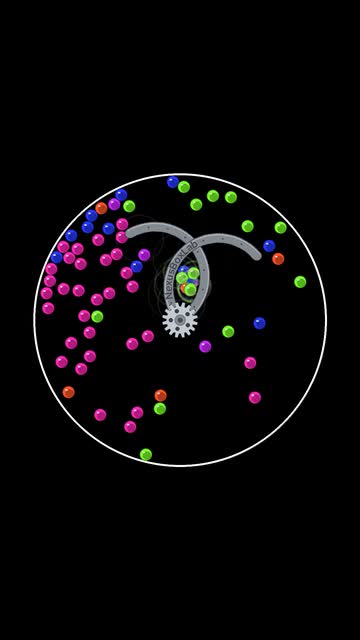
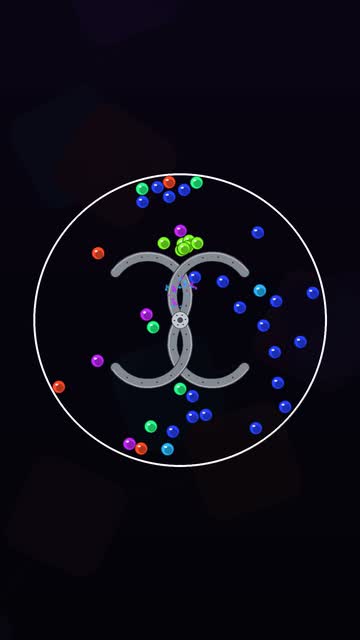
Our own satisfying videos hold millions of viewers on their own. Underneath your content, they do the same job.
Made by you, owned by you
Every NexusBoxLab video is generated fresh from your own settings. Under our Terms you own the videos you make, and you're allowed to use everything in them, including for commercial use.
No game footage, no music
There's nothing in the clip that belongs to someone else: no gameplay, no soundtrack, just your simulation and its sound effects.
Unique every time
Pick a machine, colors, speed and size, and every run plays out differently. Your background won't look like everyone else's.
Any length you need
Make clips up to 10 minutes long, so one clip covers a whole story.
How to make your own background clip
In NexusBoxLab it takes a few minutes:
- Open the lab and pick a machine. Calmer machines suit stories and podcasts. Faster, busier ones suit high-energy content.
- Turn on "Split-screen background". It's the first switch in the Machine tab. It removes the titles, sets the ending to never, and shows the split right in the preview so you see exactly how it will look.
- Adjust the size. Use the size slider to preview how much of the screen your clip will take.
- Render it at the length you need. Type any length up to 10 minutes. You get a vertical 1080 x 1920 video ready for any editor.
Putting it under your video
Then put it under your content in CapCut or any video editor:
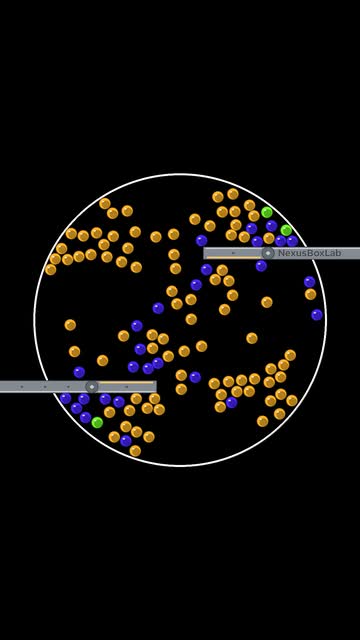 What the editor keeps
- Start a new vertical (9:16) project and add your main clip.
- Add the NexusBoxLab video as a second layer (an overlay), or use a split-screen template.
- Place your main clip in the top half and stretch the NexusBoxLab clip to fill the bottom half. Editors keep the middle of the clip, which is where the action is.
- Lower or mute the background's sound if someone is talking on top.
Tips for a better split-screen video
- Match the energy: a calm machine under calm content, a fast one under exciting content.
- Keep the background simple. Few colors and clear motion are easy to watch next to something else.
- Use a different design for each series, so your videos are recognizable.
Make your first background clip
Free to try. Videos with the free options render for free.
Open the labQuestions
What is a split-screen video?
A short vertical video with your main content in the top half and a moving, satisfying clip in the bottom half, which keeps viewers watching longer.
Why do people use gameplay in split-screen videos?
Gameplay like Minecraft parkour or Subway Surfers is constant, easy to follow motion. The downside is that it's someone else's footage and music, and thousands of videos use the same clips.
Can I use NexusBoxLab videos in my content?
Yes. You own the videos you make with NexusBoxLab, and you're allowed to use the graphics and sounds in them, including for commercial use. They contain no game footage and no music.
Can I still get a copyright claim?
Automated systems sometimes make mistakes on any video. But a NexusBoxLab clip contains nothing that belongs to someone else, so if a claim ever appears, you can dispute it.
How long can the clips be?
Up to 10 minutes. Type the length in the Render window.
Is it free?
Yes, to try. Videos made with the free options render for free with a small watermark. Premium options and removing the watermark use credits.
Want to make satisfying videos to post on their own? Read our guide: how to make satisfying physics videos.